Getting the most out of your camera
To capture high-quality images suitable for banner printing, follow these tips
1. Use the Highest Image Setting
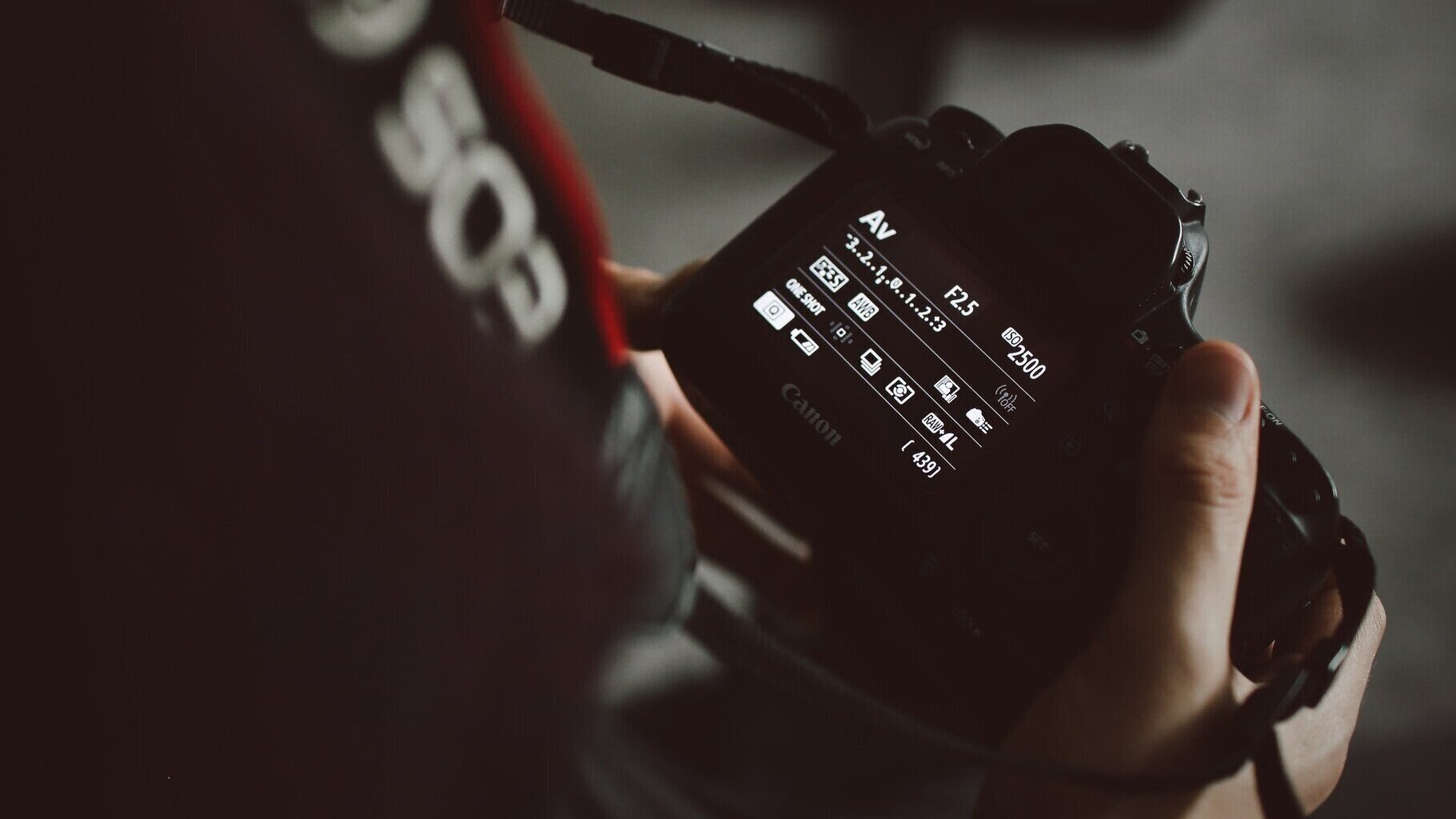
Switch your camera to the highest resolution (JPG “High” or RAW).
Navigate via:
Menu > Image Quality / Resolution / Image SizeChoose the largest pixel dimensions or “Best” quality setting.
3. Simplify Your Composition
Banners work best with less cluttered images.
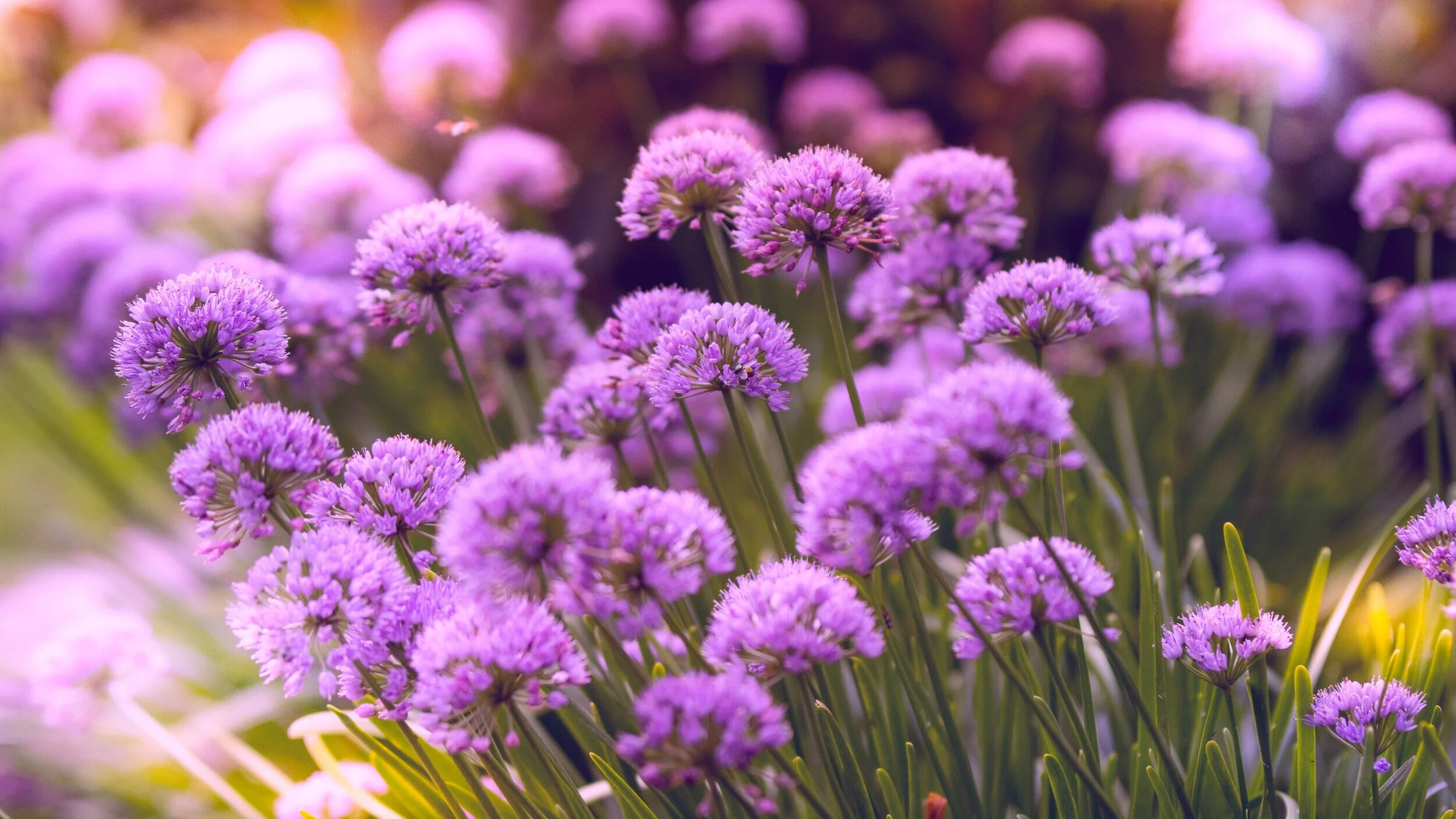
Try using bokeh—a soft background blur—to highlight your subject.
“In photography, bokeh is the aesthetic quality of the blur produced in the out-of-focus parts of an image produced by a lens. Bokeh occurs for parts of the scene that lie outside the depth of field. Photographers sometimes deliberately use a shallow focus technique to create images with prominent out-of-focus regions.”
~ source: Wikipedia
4. Keep Your Subject in Focus
Shallow depth of field is okay, but your main subject must be sharp.
Check focus before capturing.
5. Be Creative with Perspective
Avoid repetitive shots from common angles. Instead try:
Close-ups of familiar scenes
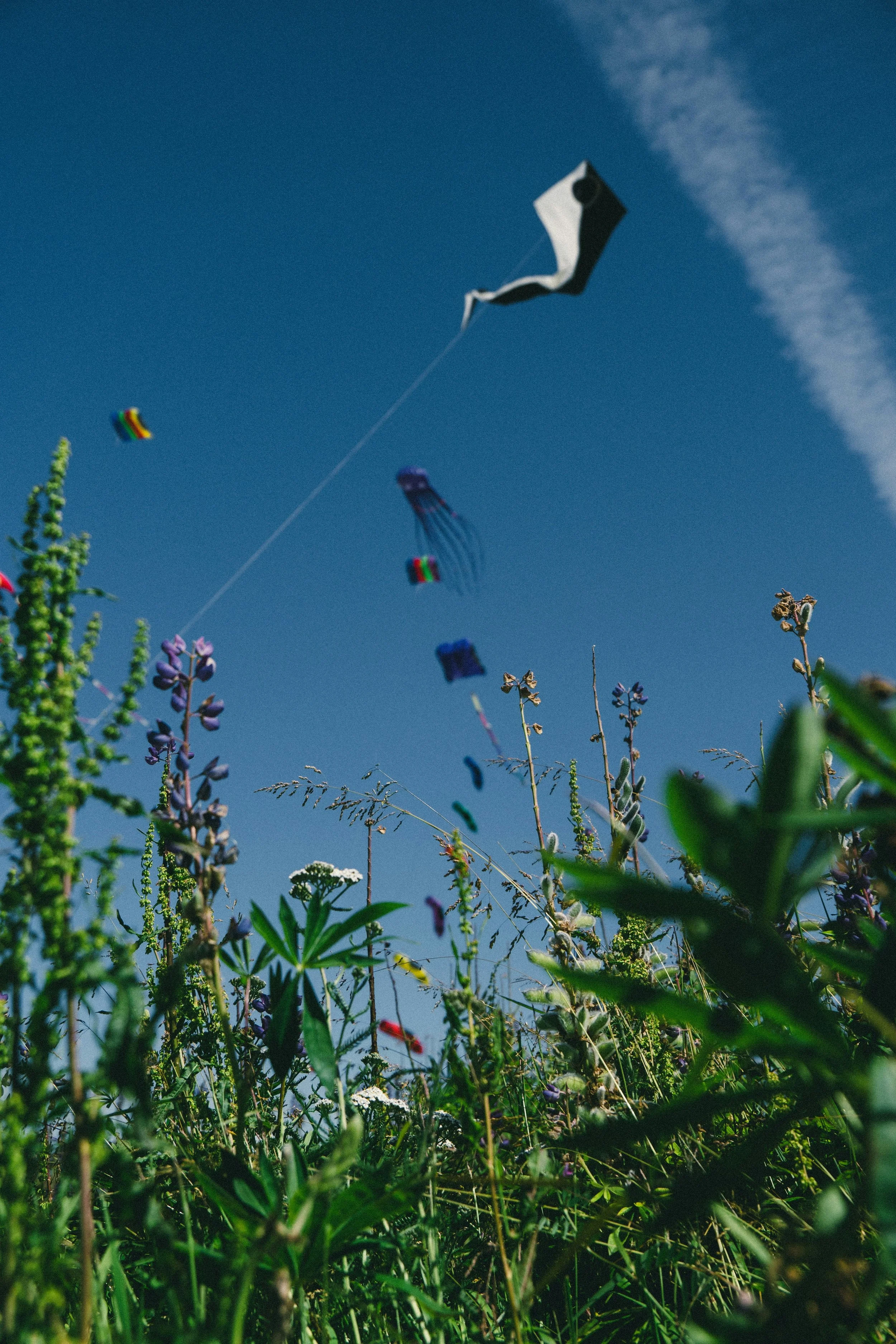
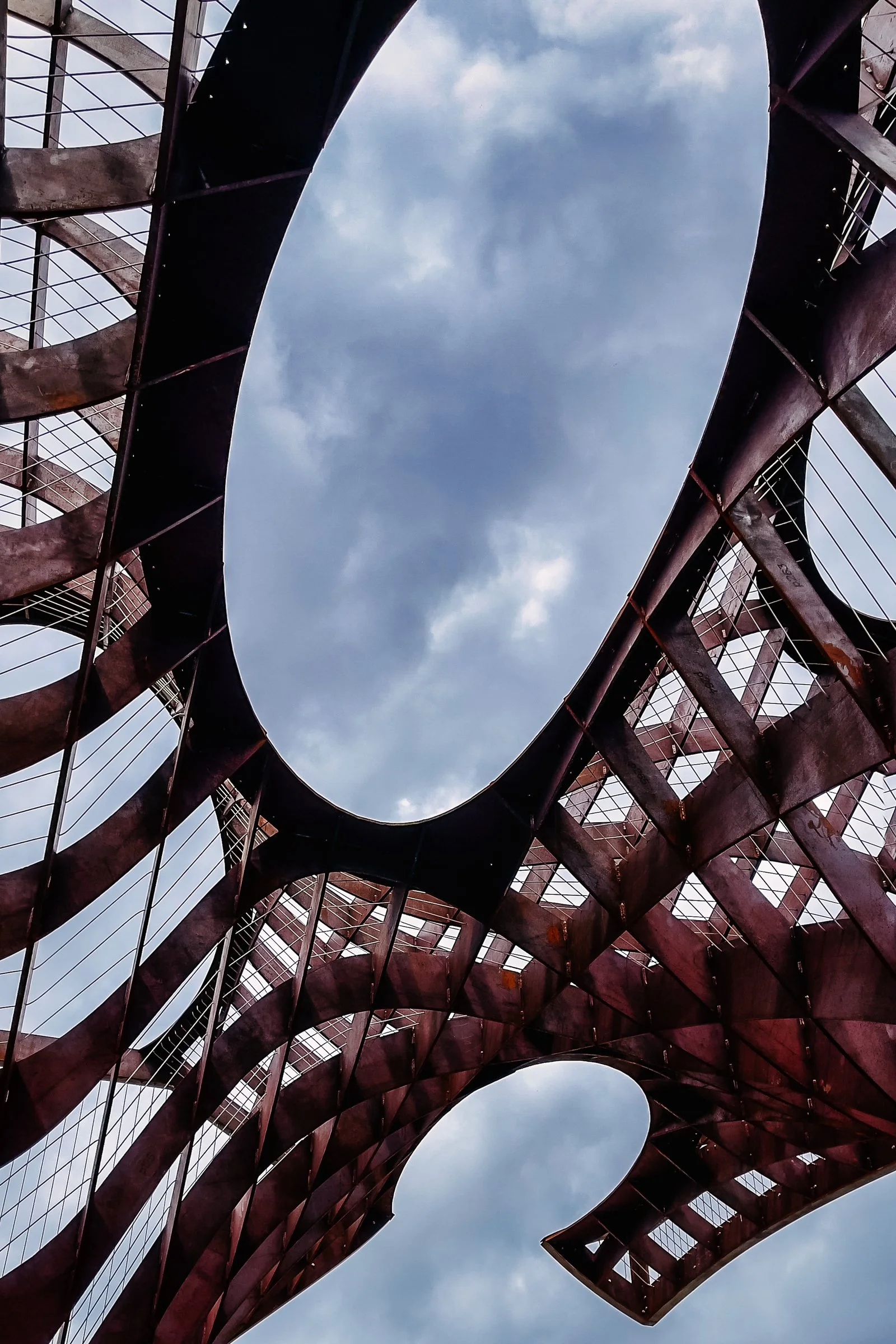
New perspectives (get low or high)
Different times of day or lighting
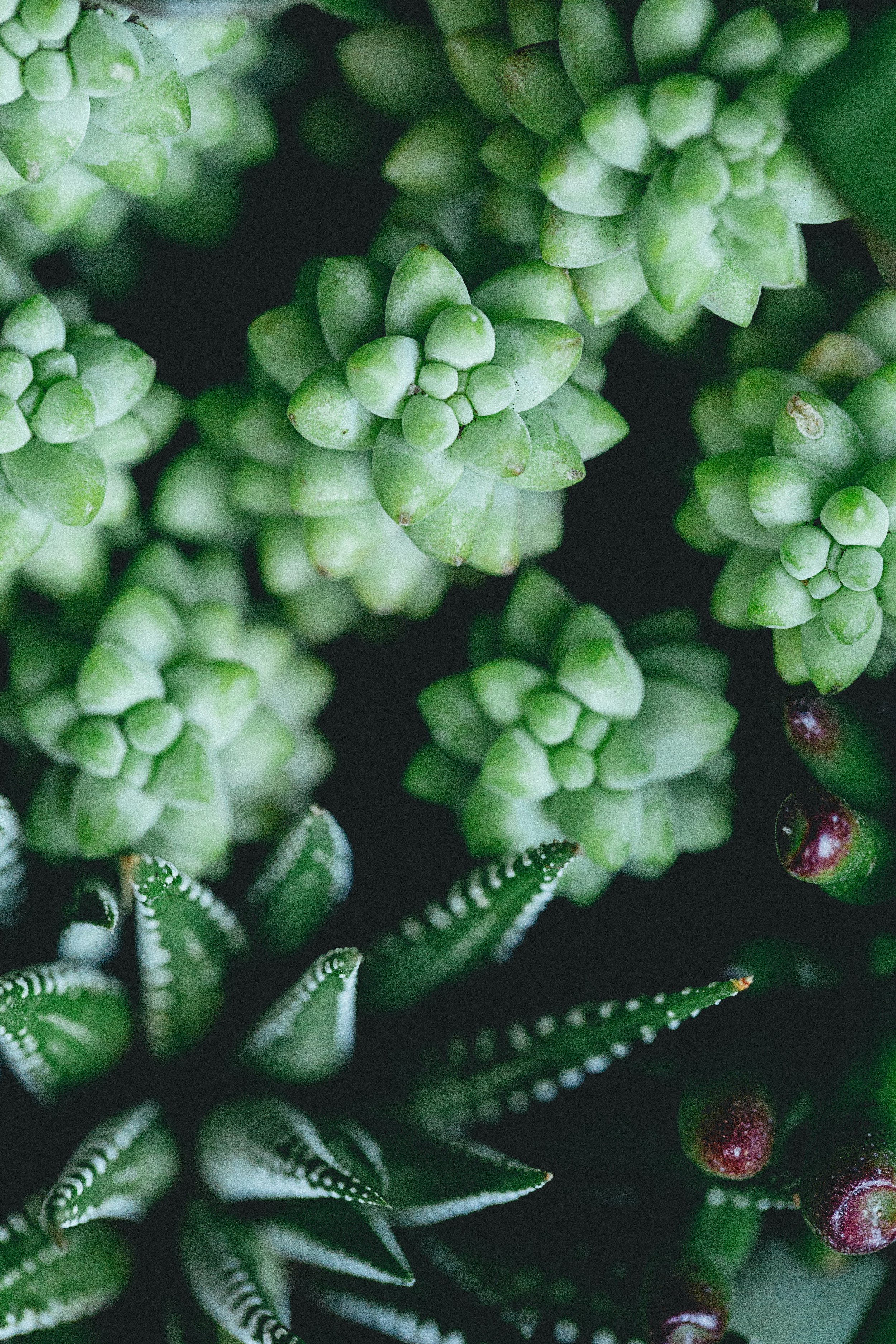
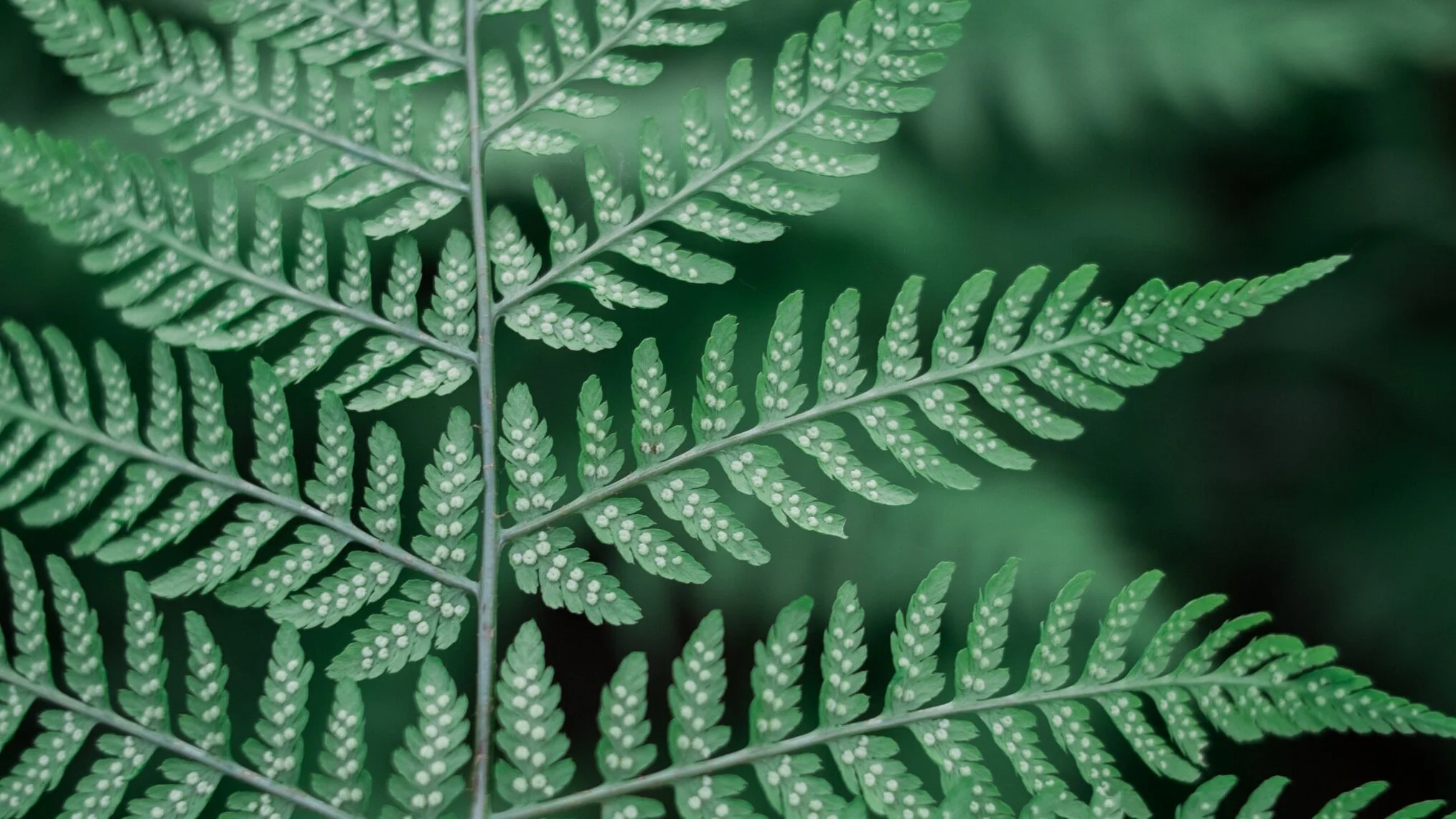
Emphasizing unique textures or patterns